REALSOURCE RTX PACK
  • Home
  • My TEXTURE PACKS
    • Realistic pack
      • Realistic BEDROCK
      • Realistic JAVA
    • Cartoon pack
    • Trailer pack
    • Medieval pack
  • Vibrant Visuals PLUS pack
  • Log In
  • Menu Menu
  • Link to Youtube
Scroll to next section Scroll to next section

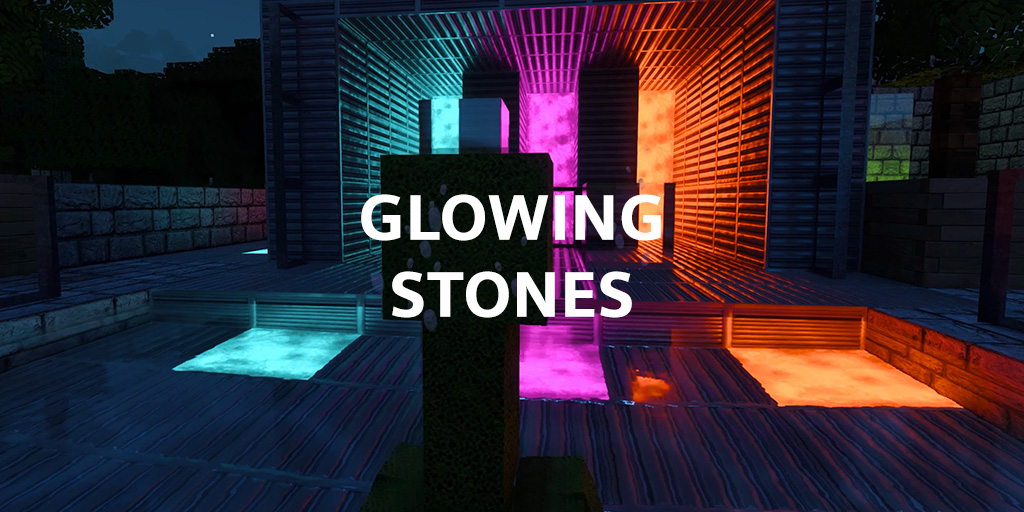
GLOWING STONES ADDON

for Minecraft Bedrock RTX
HOW TO USE HOW TO INSTALL

Update to v 3.0 bring better optimization and many new colors. This addon works only on PC with RTX graphic card and devices with enabled deferred rendering.

DOWNLOAD

LOW version is FREE to download.
Download HD version with your own account.

DON’T HAVE AN ACCOUNT?

Scroll to next section Scroll to next section

HOW TO USE

It is not a replacement of existing blocks. This addon give new blocks.
You can make new blocks using a stonecutter + stonebricks!

HOW TO INSTALL

1/ Download ADDON.

2/ Open .mcaddon file. The ADDON itself installs the RESOURCE and BEHAVIOR packs.

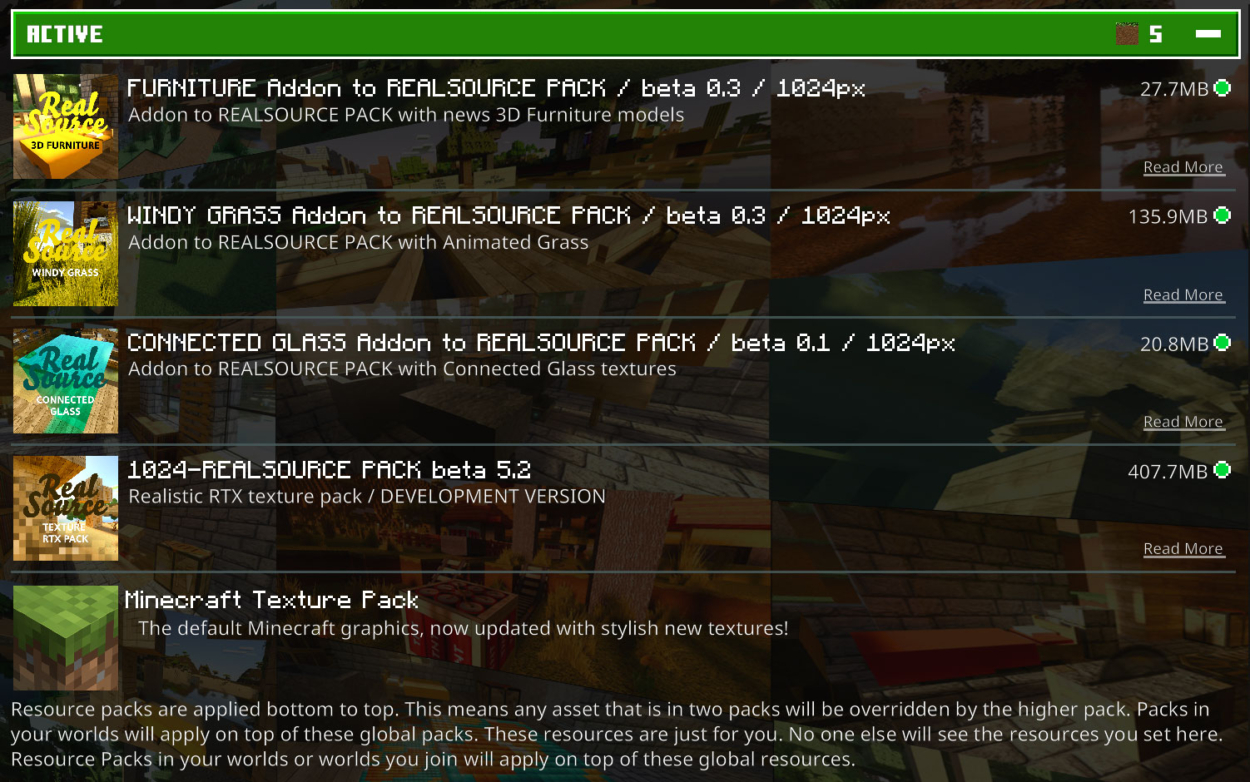
3/ Now you need to activate the packages. Select settings for your map. Activate the package in the RESOURCE PACKS tab. It is also important to activate the package in the BEHAVIORS PACKS tab.

4/ Enjoy
Link to: Glowing Ores REALISTIC Link to: Glowing Ores REALISTIC Glowing Ores REALISTIC Link to: God rays Link to: God rays God rays
Scroll to top Scroll to top Scroll to top